PlayStatus
PlayStatus is a powerful media and controller overlay for games, supporting battery alerts, visualizers, and seamless integration.
Controller Features
With PlayStatus, there are a few key things you'll have access to. Some things you can look forward to are real-time battery alerts, and the ability to emulate Xbox 360 and DualShock 4 controllers.
PlayStatus works with the following controllers:
- Xbox One S & Xbox Series Controllers connected via Bluetooth.
- DualShock 4 & DualSense Controllers connected via Bluetooth or Wired.
- Nintendo Switch Pro, Nintendo 64 & SNES Classic Controllers via Bluetooth or Wired.
*It is important to note that PlayStatus may not be able to detect controllers that are connected through a dongle, like a Microsoft Xbox Controller Adapter.*
Battery Alerts
When a controller is either connected or disconnected, you will receive a notification letting you know. Along with that, PlayStatus will alert you anytime the battery level of your connected controller(s) changes, or reaches a critical level. You can connect up to 4 unique controllers and receive battery updates for every single one!
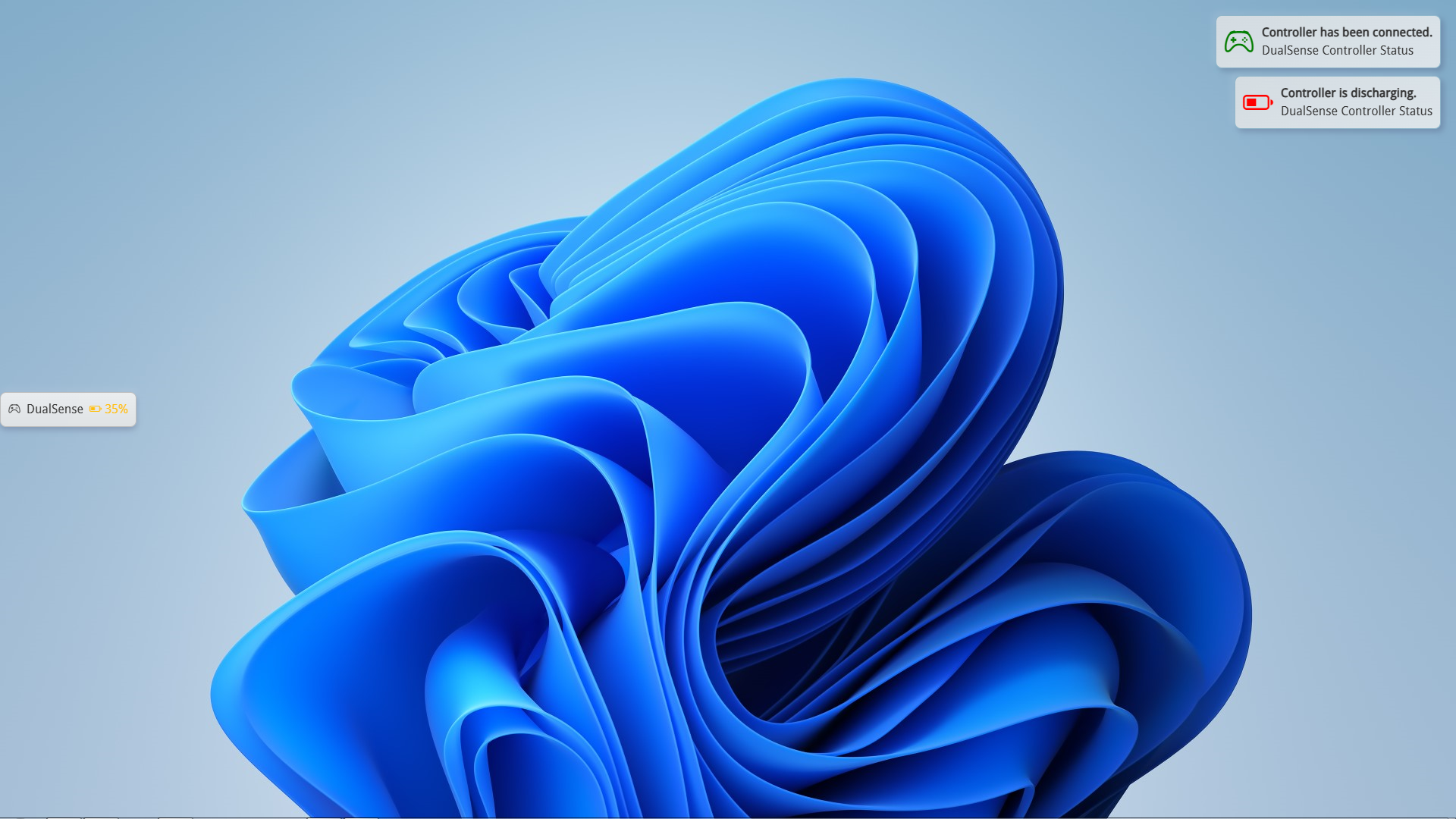
You can customize the widgets positioning and how long it shows on-screen. Optionally, you can show the battery widget on-demand through a button combination on your controller. For example, on an Xbox controller, you can hold Start and Select for 5 seconds to show the widget. The button combination and hold time can all be customized in the settings.
Controller Emulation & Game Profiles
A unique and powerful tool PlayStatus offers is the ability to create game-specific profiles which allow you to do a few things. If a game you're trying to play doesn't support your controller, you can create a profile for that game which you can use to emulate a Xbox 360 controller, or a DualShock 4 controller. When you emulate a controller using this feature, you can edit any of the button mappings and customize them to your liking.
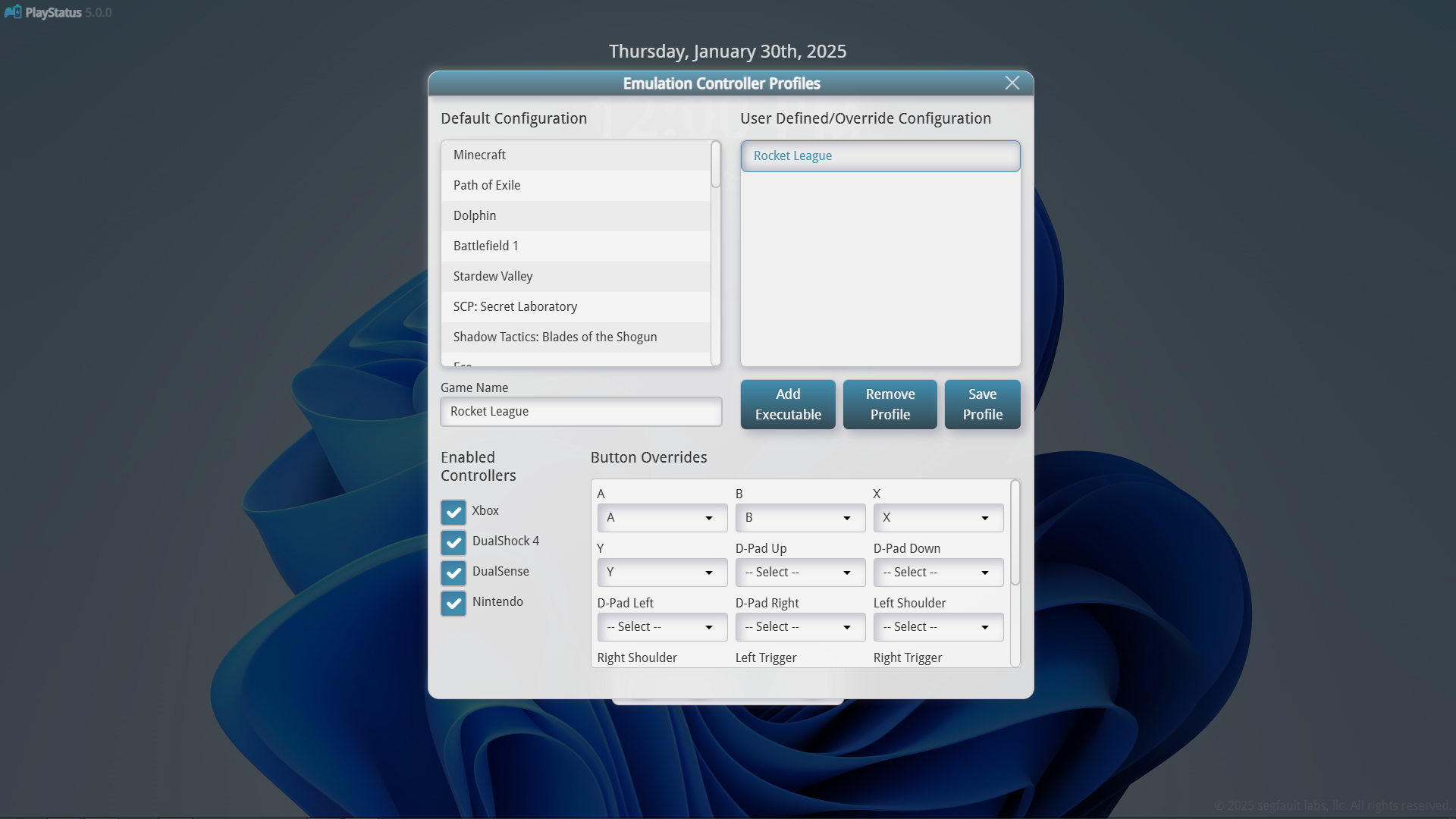
*Vibration support is locked to Xbox 360 Controller emulation as the ViGeMBus driver does not support DualShock 4 vibration.*
Game Detection
PlayStatus will attempt to auto-detect the game you are playing and find controller compatibility information. In addition, if PlayStatus does not detect a game properly, you can define a executable path to define as a game.
PlayStation Specific Features
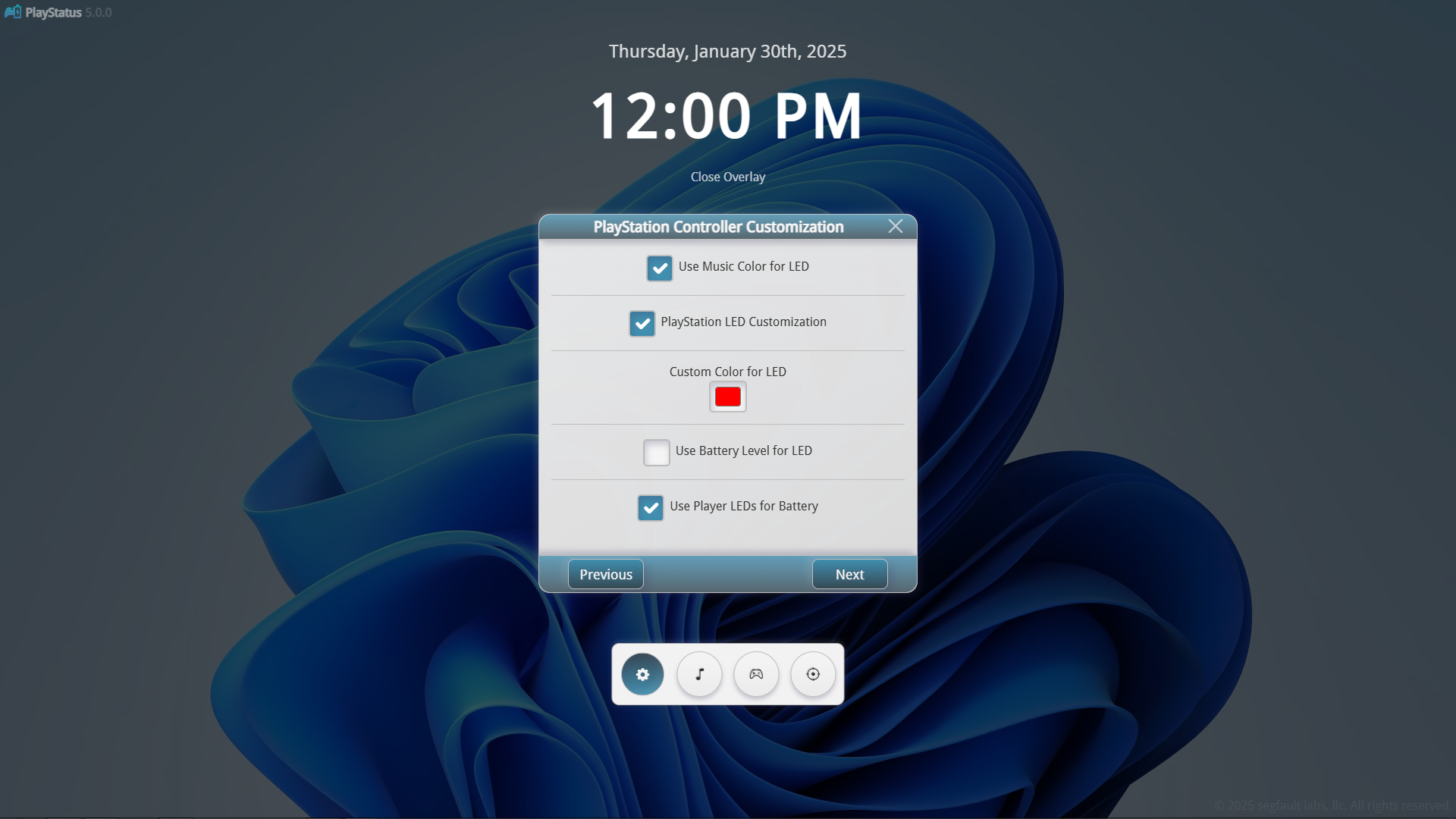
When using PlayStation controllers with PlayStatus you get access to a few additional features. In regards to battery life, you can enable a feature that will set the DualShock 4 or DualSense controllers LED to the current battery level (red for low, orange for medium, etc.). Along with this, you can optionally set a custom color yourself, or use the Music Players current album art color.
Music Player
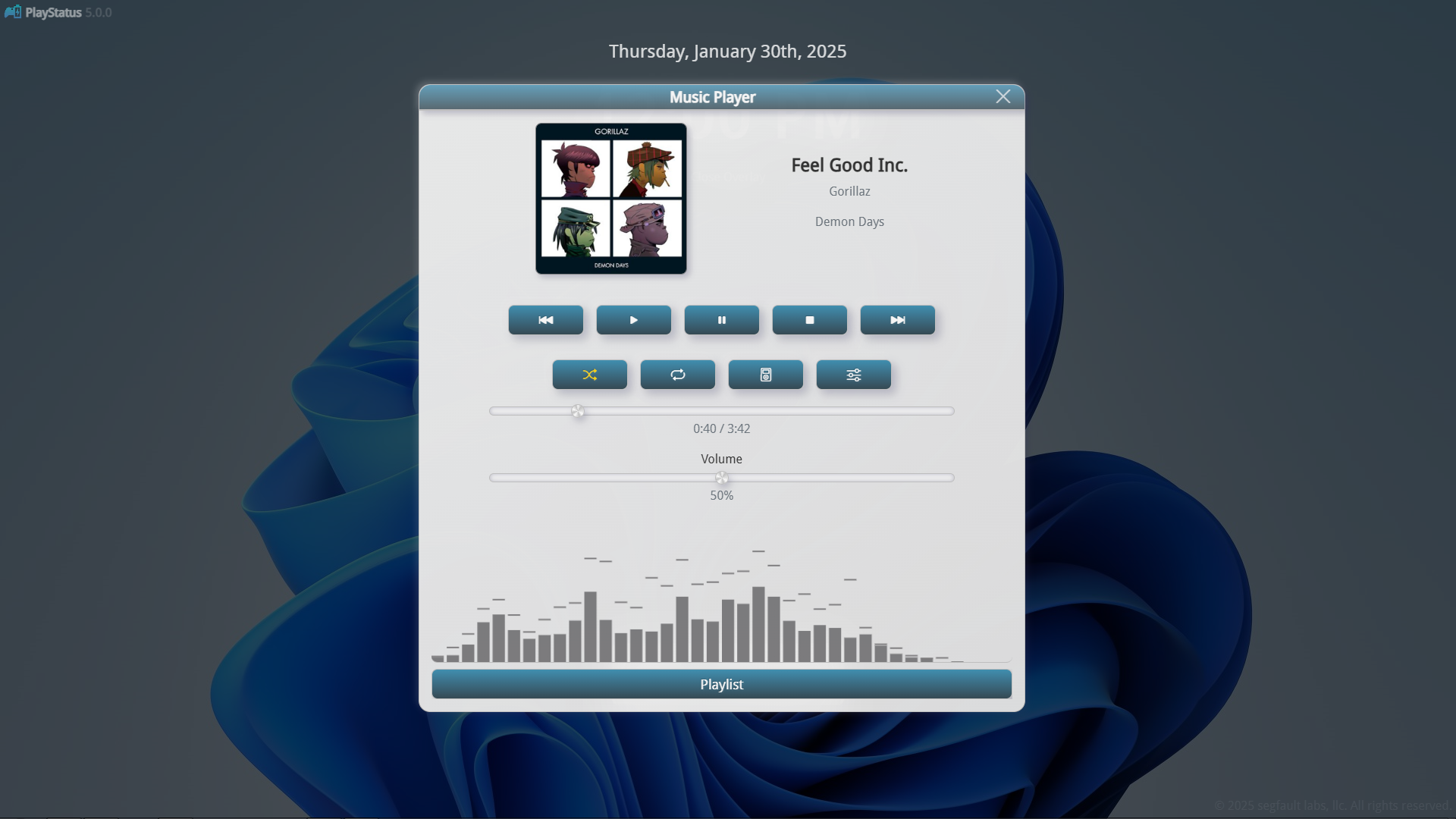
PlayStatus comes with a built-in media player with a few extras like a music widget and EQ profiles. The music player supports all major music file types like FLAC, MP3, WAV, etc.
EQ Profiles
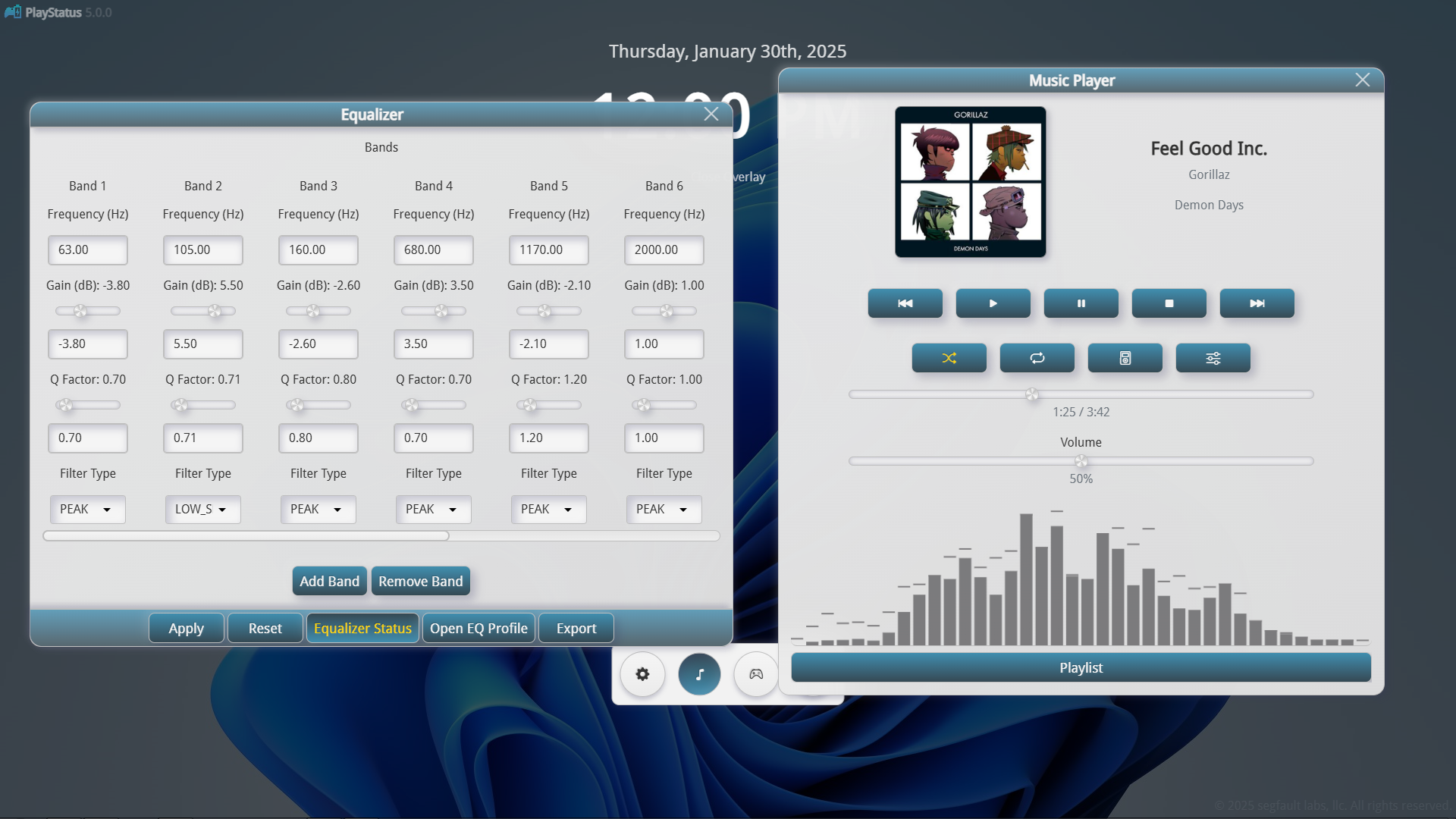
You can create custom EQ profiles to ensure your music sounds its best. There is no limit on how many EQ bands you can create, and can customize each band by entering a Frequency, Gain, Q Factor, and a Filter Type. The equalizer can easily be enabled/disabled anytime.
Music Visualizer
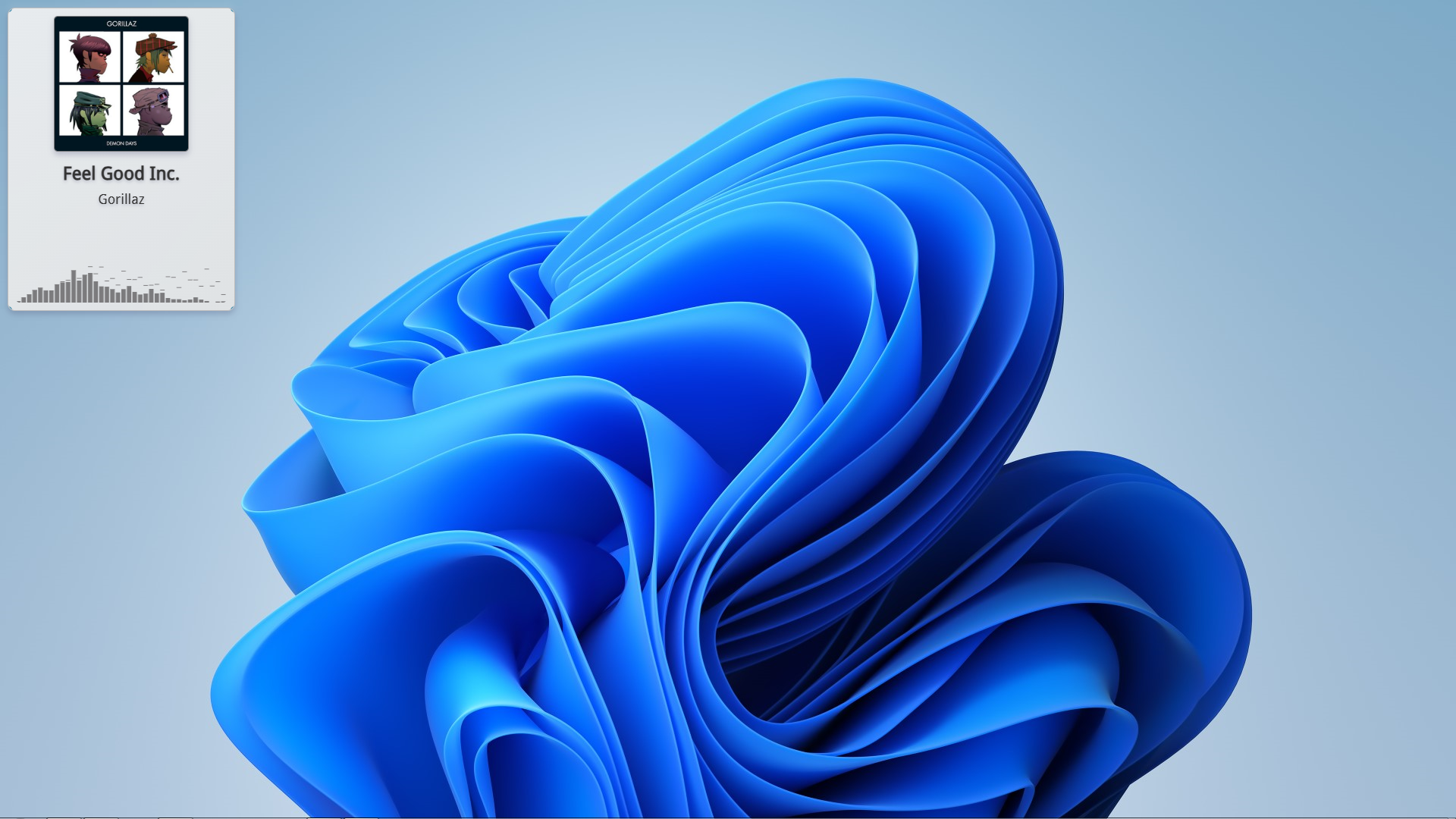
When playing music in the media player, PlayStatus will visualize the music by providing a 38-band spectrum visualizer that accuratley represents the audio being played in real-time. This visualizer can also be shown with the music widget, making for a beautiful way to listen to your music.
Music Widget
Additionally, when listening to music with PlayStatus, you can show a music widget that is resizeable and can be dragged anywhere on-screen. This widget will show regardless of the overlay being shown or not, and can be viewed in-game.
Crosshair
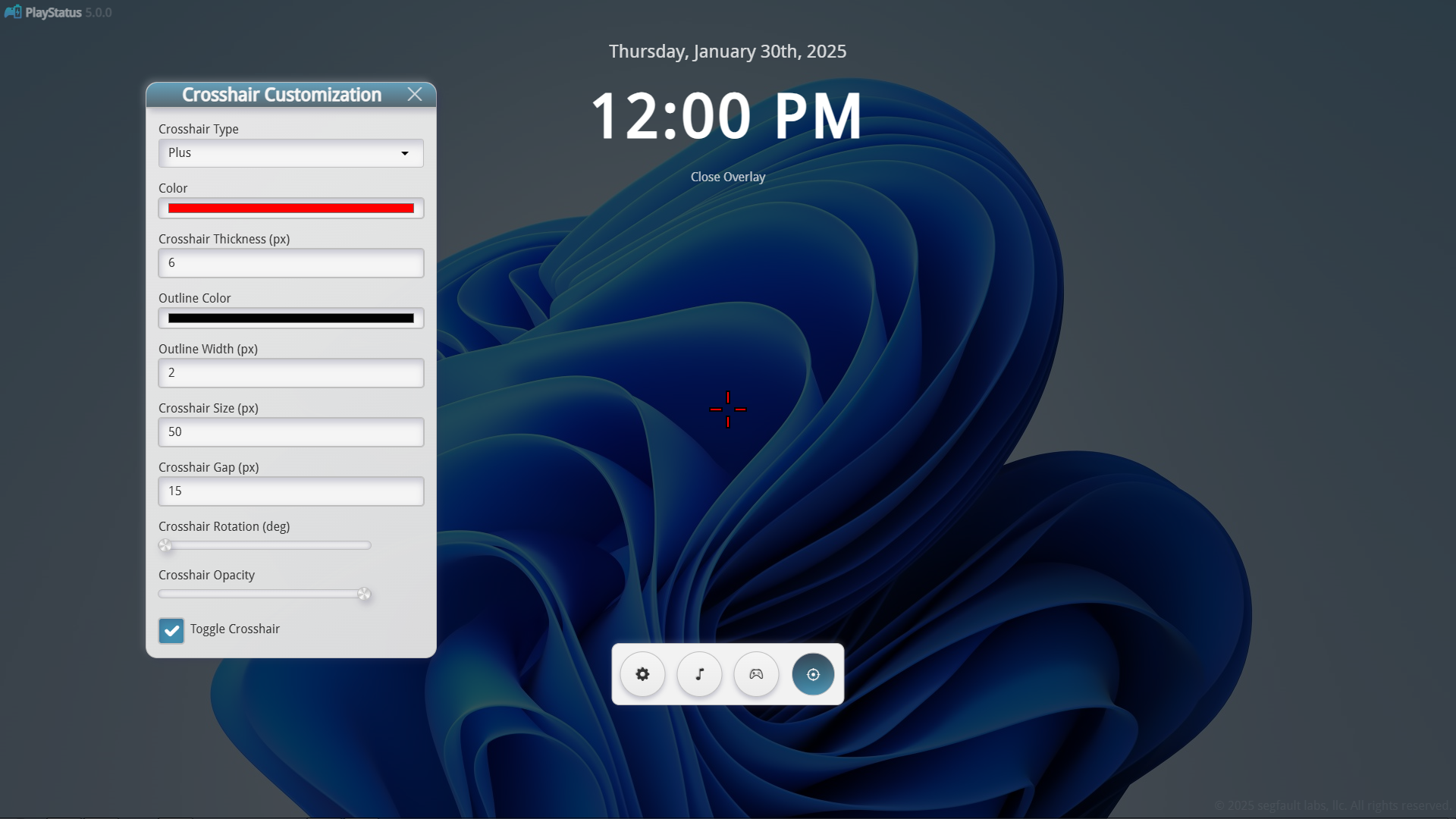
With PlayStatus v5.0.0, there is now a customizable crosshair! This Crosshair overlay allows you to customize everything, from the crosshairs type, the inside color, outline color, width of the inside, width of the outside, etc.! This can be incredibly useful in games that either do not have a crosshair, or hide them at certain times