[PlayStatus] PlayStatus v5.0.0 - A Fresh Start
Posted by

A Fresh Start - PlayStatus v5.0.0
Introducing PlayStatus v5.0.0
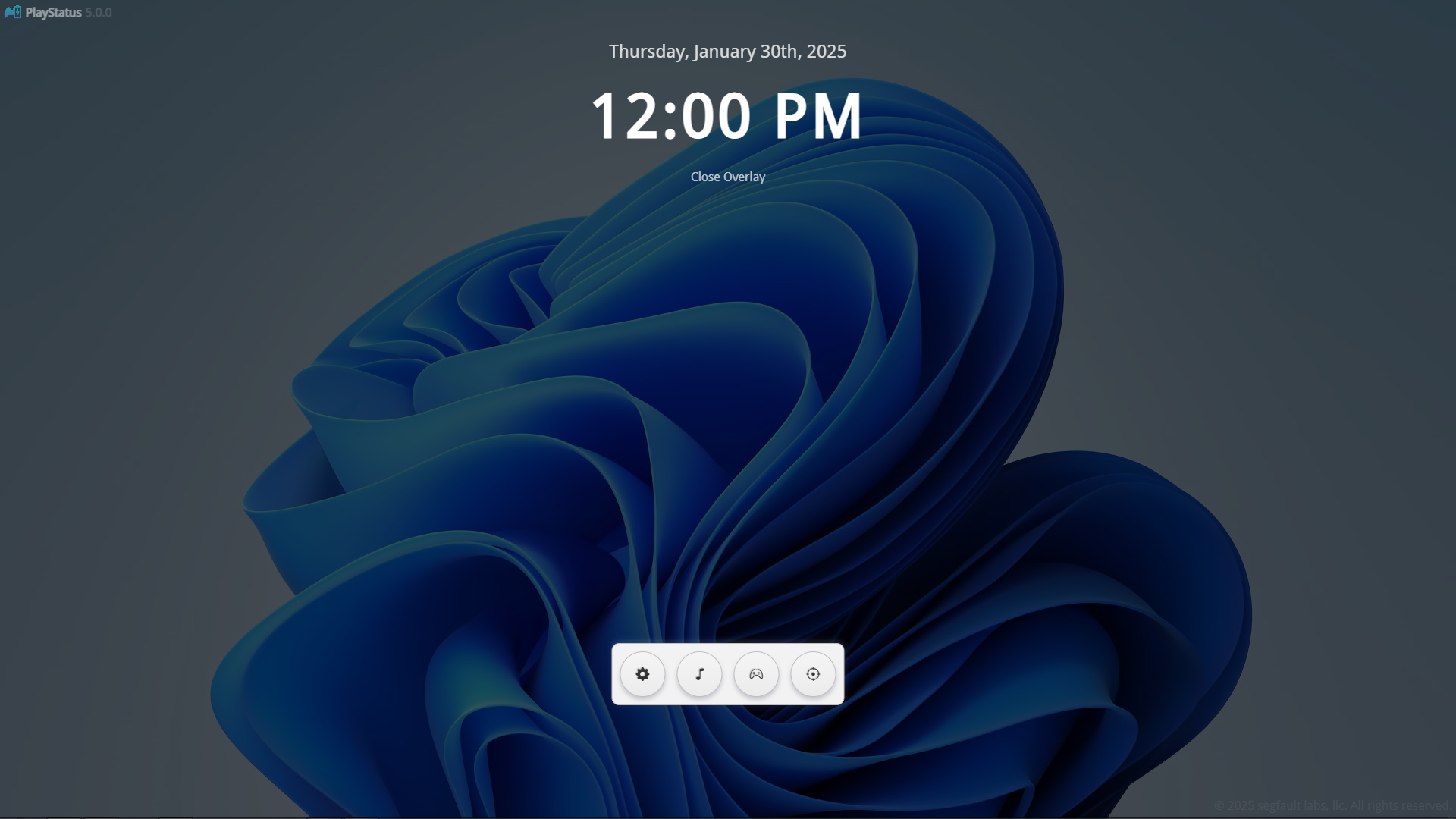
In this latest update, things will look familiar, but feel much better. The backend has been moved from a OpenGL rendering implementation to a WebView renderer, leading to smoother animations, *way* less UI bugs, and better performance. Along with this, a customizable on-screen crosshair option has been added, for games that either don't have crosshairs, or hide them.
General Features & Changes
- New UI renderer, all menus have been converted.
- Reduced overall memory usage of the application.
- Added a light/dark mode (based off of system settings).
Crosshair Overlay
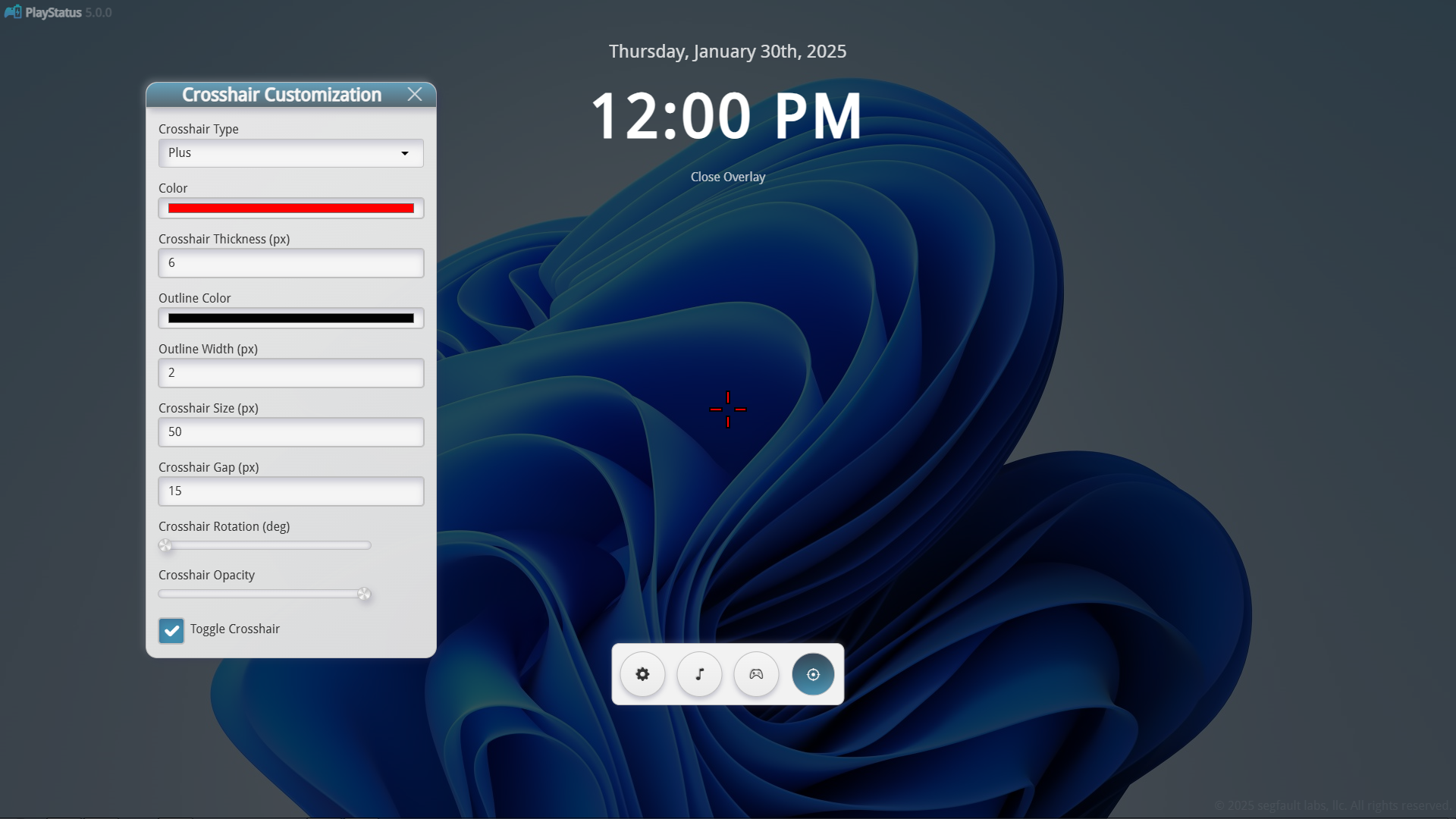
A new crosshair overlay has been added! You can now customize and show a crosshair on-screen for games that either do not have one, or hide it.
You can customize things like crosshair type (+ or circle), outline width/color, etc.!
Music Player Updates & Improvements
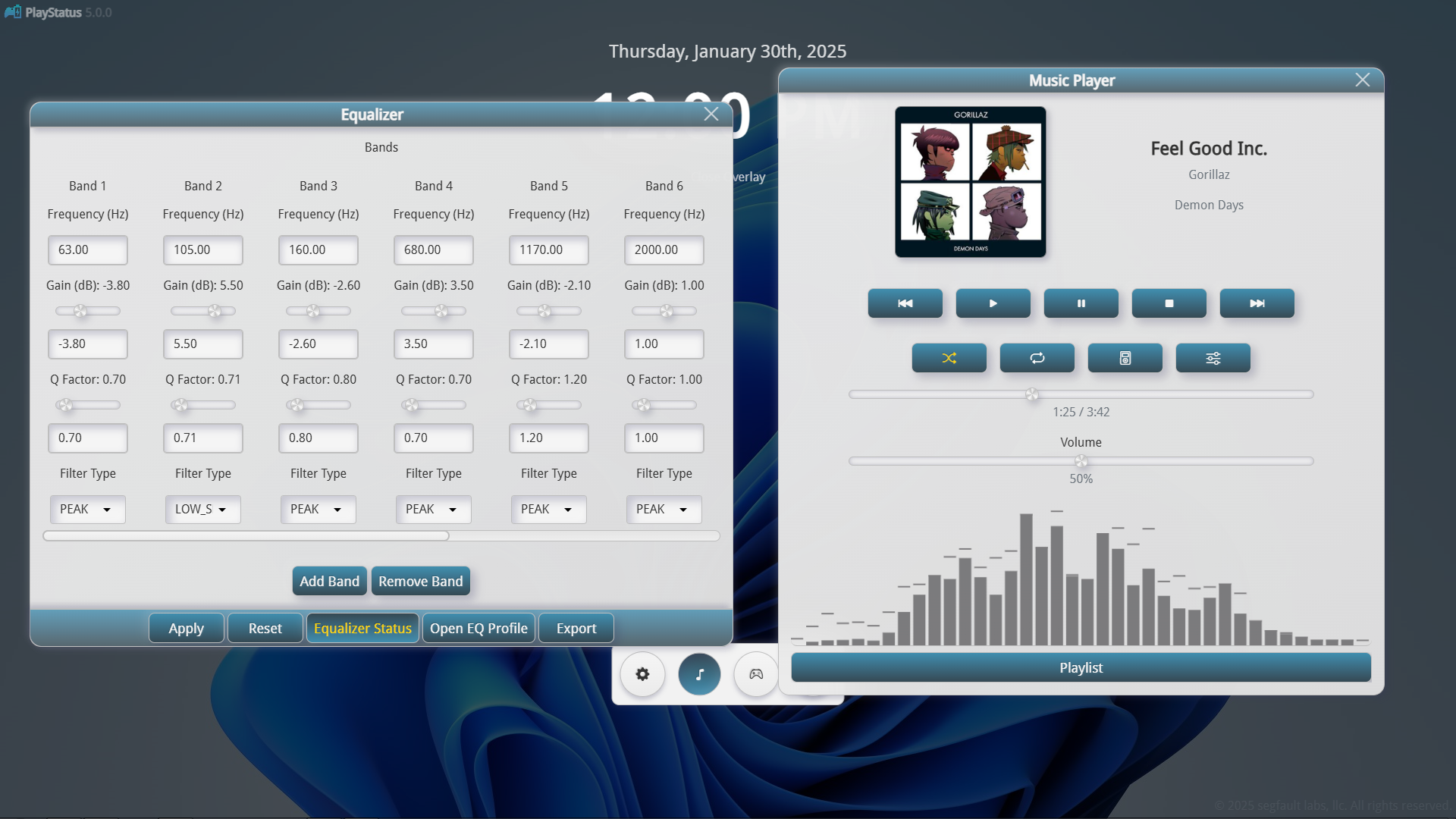
- Music player no longer displays notifications and instead uses a standalone mini-player widget.
- The updated music player widget can be resized and positioned anywhere on screen.
- Added additional effects to the audio visualizer.
- Improved accuracy of audio visualizer.
Controller Status Updates & Improvements
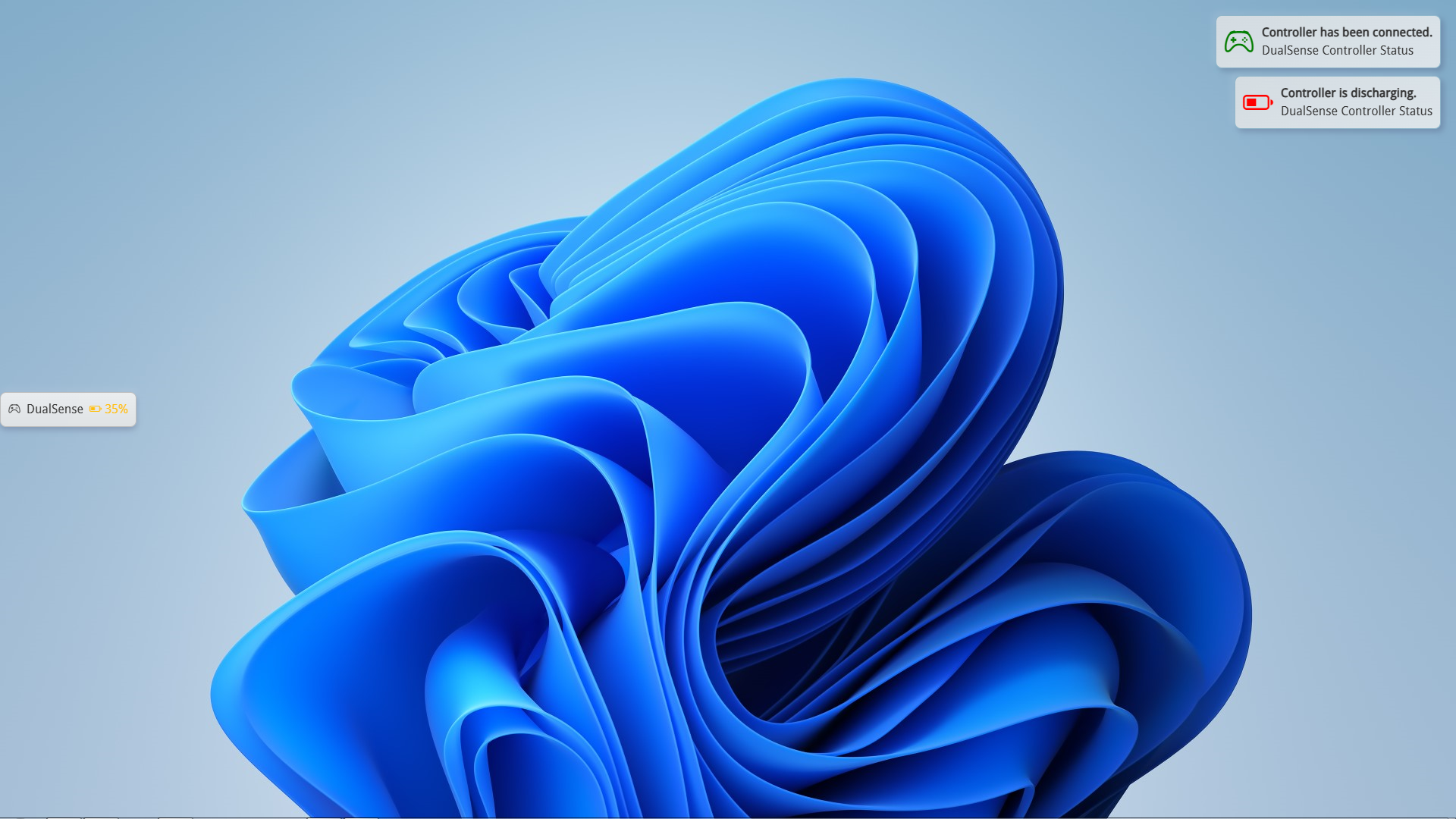
- Controller statuses are now always shown when the overlay is open.
- Controller notifications now display when the Charging/Discharging state changes, or the battery of the controller reaches a critical level (<25%).
- Improved reliability of game detector.
- Improved battery readings for certain controllers.